Attendance tracking for technicians who move from customer to customer
The technician clocks in on arrival at each customer, and if they are not at the address the system rejects it. Every visit closes with a photo, so the customer sees what was done and you do not need a phone call to know the team arrived.
Create a free account- location_onOne geofence per customer: the clock-in only works at the right address
- photo_cameraPhoto tasks: evidence of every completed visit
- inventory_2Supply requests from the phone, approved by the supervisor on the dashboard
- chatChat between technician and supervisor, instead of loose WhatsApp threads
- descriptionReports per customer, ready to attach to the service invoice
- devicesNothing to install: it runs on any phone with a browser
Creating the account takes 2 minutes
The free plan activates on signup: up to 3 people and 1 site, no card and no expiry date. Enough to run your first site today.
Create a free accountWant a demo first?
A guided demo with a specialist, free of charge. We reply the same day.
Built for maintenance companies with technicians in
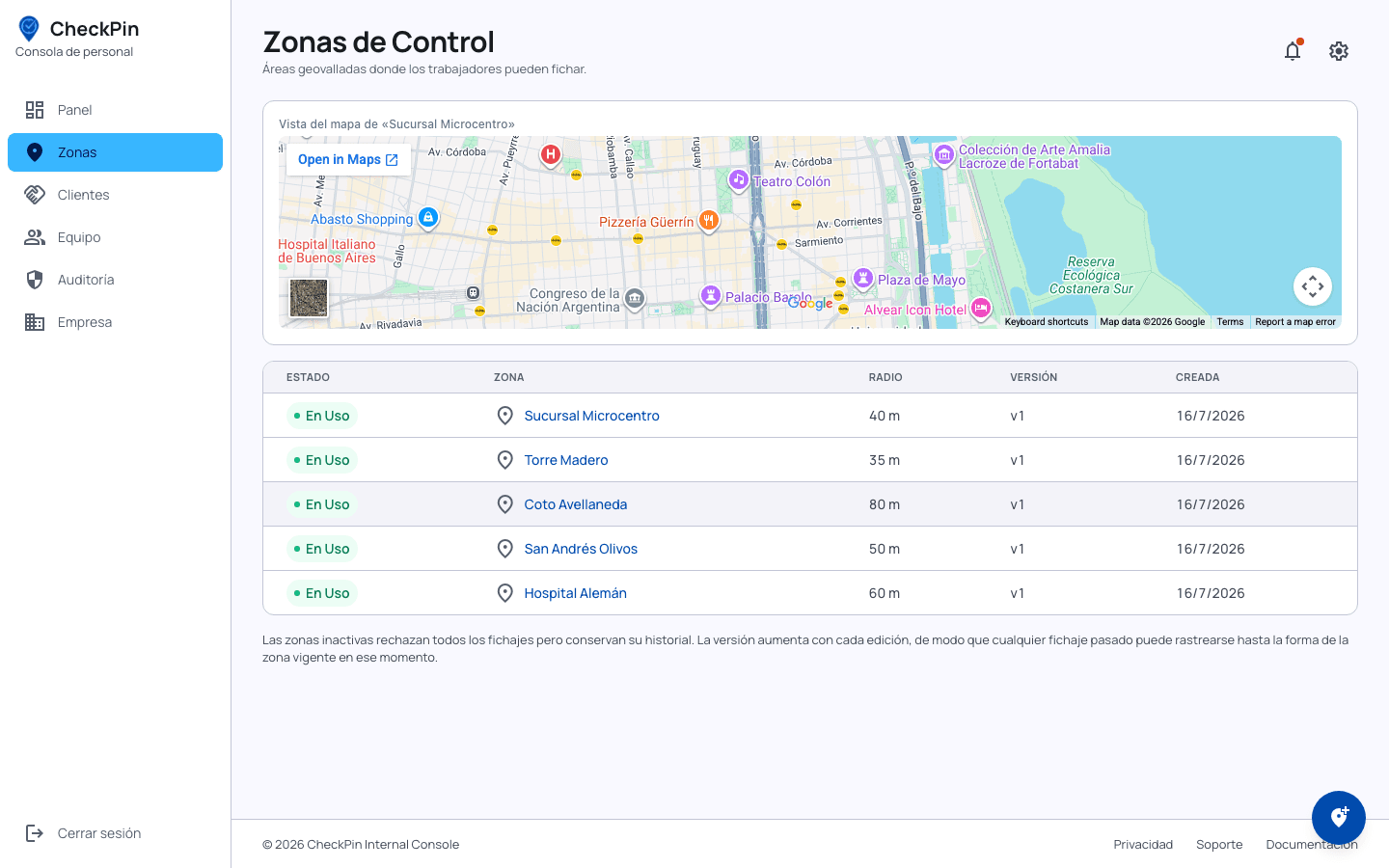
Three steps: draw the site, assign the crew, watch the reports live
- 1
Create a zone per customer
Draw the perimeter on the map. Outside it, the technician cannot clock in.
- 2
Assign technicians and tasks
Each technician gets a link, clocks in from their phone and closes tasks with a photo.
- 3
Watch the reports live
Who is at which customer, what was resolved and what supplies were requested.
Answers before you ask for the demo
Does it work if a technician visits five customers in a day?
Yes. Each customer is a zone with its own geofence, and the technician clocks in and out at every one. The daily report shows the run of clock-ins customer by customer, with the hours of each visit.
Can I prove to the customer that the technician was there?
Yes, and that is the point: the clock-in is only accepted inside the perimeter of the address, and every task accepts a photo as evidence. The report can be shared with the customer.
How does a technician request supplies when something is missing on site?
From the same phone they file a supply request, and the supervisor approves or rejects it from the dashboard. It is recorded alongside the task.
Can it be exported for payroll?
Hours worked export to CSV, ready to import. There is also an API to integrate with your own system.
What if the technician has no mobile data at the address?
The clock-in needs a connection at the moment it happens; the customer's WiFi is usually enough. If neither is available, the supervisor can record attendance from the dashboard, flagged as entered by the supervisor.
What does it cost?
The Free plan covers up to 3 users and 1 site, with no card and no expiry date: enough to run one customer, and it never expires. Pro costs USD 80 per month and covers up to 30 users and 10 sites. For larger operations, with supervisors assigned per zone and several legal entities, we quote to fit.
Know the technician arrived without having to call
A geofence per customer and a photo of every visit. The free plan never expires and asks for no card.